iOS 26.3 Now Available for iPhone Users
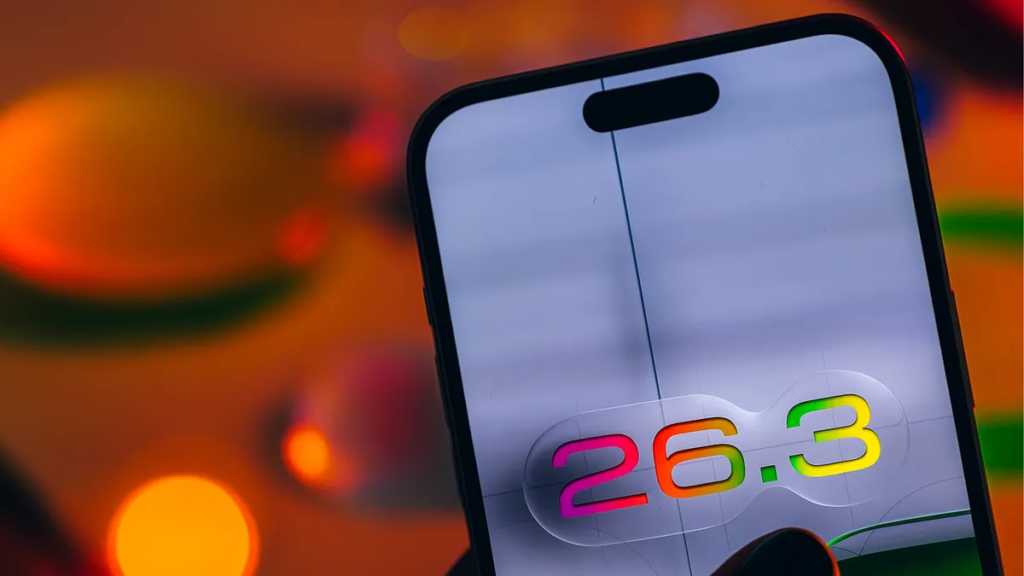
Apple has officially released iOS 26.3 to the public. This update is relatively modest, focusing more on system refinements and background improvements rather than introducing major new features. It follows last week’s release candidate version, which usually indicates that Apple is preparing for a broader public rollout.

Instead of a dramatic redesign, iOS 26.3 delivers practical enhancements. These include a new tool designed to make switching from iPhone to Android easier, an additional privacy control to limit what your phone shares, small wallpaper updates, and several subtle interface refinements.
Here’s what you can start using right away with iOS 26.3.
Easier Transfer from iPhone to Android
One of the most notable additions in iOS 26.3 is a simplified way to transfer your data from an iPhone to an Android device.
If you’ve ever thought about switching to Android, the data transfer process may have seemed complicated. Android previously offered a five-step process to assist with switching, but it required tasks like turning off FaceTime and iMessage, as well as connecting both devices using a cable.
With iOS 26.3, Apple introduces a more streamlined option.
To access it, go to: Settings > General > Transfer or Reset iPhone

Near the bottom of the page, you’ll find a new option labeled “Transfer to Android.” Tap it and follow the on-screen instructions to move your photos, messages, contacts, apps, and more to your Android device.
This feature allows you to simply place your iPhone near a compatible Android device and transfer data wirelessly. It supports a wide range of content, including photos, messages, contacts, and other important data — all without the need for third-party software.
Enhanced Privacy Controls: More Power Over Your Data
With iOS 26.3, Apple continues strengthening user privacy by introducing a new “Limit Precise Location” option. This feature reduces the accuracy of the location data shared with your cellular carrier, giving you better control over what information is transmitted.
When this setting is enabled (found under Settings > Cellular > Cellular Data Options), your carrier will only receive general location details — such as your neighborhood — instead of your exact street address. Importantly, emergency services like 911 continue to work normally, ensuring safety is never compromised.

Currently, this feature is available only on the iPhone Air and iPhone 16e, and in the United States, it is supported exclusively by Boost Mobile.
Alongside this addition, Apple has made subtle refinements to the Privacy section within the Settings app. The interface is now cleaner and more intuitive, making it easier to manage app permissions, data sharing preferences, and other privacy-related controls. While these changes may appear minor, they significantly improve clarity and reduce clutter.
New Wallpapers and Visual Enhancements
iOS 26.3 also refreshes the iPhone’s wallpaper experience with updated categories and brand-new presets. Sections like Weather and Astronomy now appear as dedicated rows within the wallpaper gallery, making browsing simpler and more organized.
The Weather category includes several live, condition-based wallpapers that dynamically reflect your local weather. These come with updated typography and refined widget layouts, offering a more immersive and modern look to your lock screen.
Subtle Improvements for a Smoother Experience

Beyond the visible upgrades, iOS 26.3 includes a variety of smaller interface adjustments and under-the-hood enhancements. These improvements may not be immediately noticeable, but they contribute to a smoother, more responsive overall iPhone experience.
Features Still in Development
| Feature / Technology | Current Status | What It Means | Expected Future Update |
|---|---|---|---|
| Third-Party Accessory Notification Forwarding | Detected in Developer Beta (Not Publicly Active) | Allows notifications from iPhone to be forwarded to compatible third-party accessories | Likely enabled in a future iOS 26.x update |
| Encrypted RCS Messaging Support (Speculated) | Code References Found | Suggests Apple may support encrypted Rich Communication Services (RCS) via carriers | Could roll out in an upcoming update after carrier support |
| Carrier Infrastructure Enhancements | Backend Preparation Stage | Improves communication between iPhone software and mobile carriers | Future updates may unlock advanced messaging & network features |
| Expanded Accessory Ecosystem Integration | Developer-Level Foundation Added | Enables accessory makers to build deeper system notification support | Activation expected in later software releases |
Apple is also preparing for future updates. During the iOS 26.3 developer beta phase, early support for third-party accessory notification forwarding was discovered. Additionally, developers found references within the code related to carrier infrastructure, fueling speculation about potential future support for encrypted RCS messaging.
While these elements lay the technical groundwork for upcoming features, they are not yet active in the public version of iOS 26.3. Apple is expected to enable them in a later release.
For more updates, you can explore details about iOS 26.2, the features introduced in iOS 26.1, or check out a complete iOS 26 overview and cheat sheet to stay fully informed.
Faq
#iOS263 #iOSUpdate #AppleUpdate #Carrerbook #Anslation #iPhoneUpdate #AppleNews #iPhoneFeatures #iOSFeatures #TechNews

Cloud Automation: How to Automate Everyday Cloud Tasks
Cloud computing has made it much easier to store data, run applications, manage websites, and…

15 Healthy Sleep Habits for Better Rest and More Energy
Getting enough sleep sounds easy until real life gets involved. You tell yourself you will…

Stock Investing for Beginners: A Simple Guide to Smart Investing
For someone who is completely new to investing, the stock market can feel like a…

Climate Change: Simple Ways to Understand Its Impact
Most articles, news segments, and blog posts about climate change read like they were written…

Youth Culture and Technology: Trends Defining a New Generation
Think about how much everyday life has shifted over the last ten or fifteen years….

12 Simple Ways to Improve Your Skin Health Naturally
Most of us have fallen into the exact same trap. You’re standing in front of…